Build Your Task Manager App in 1 Prompt with Emergent AI
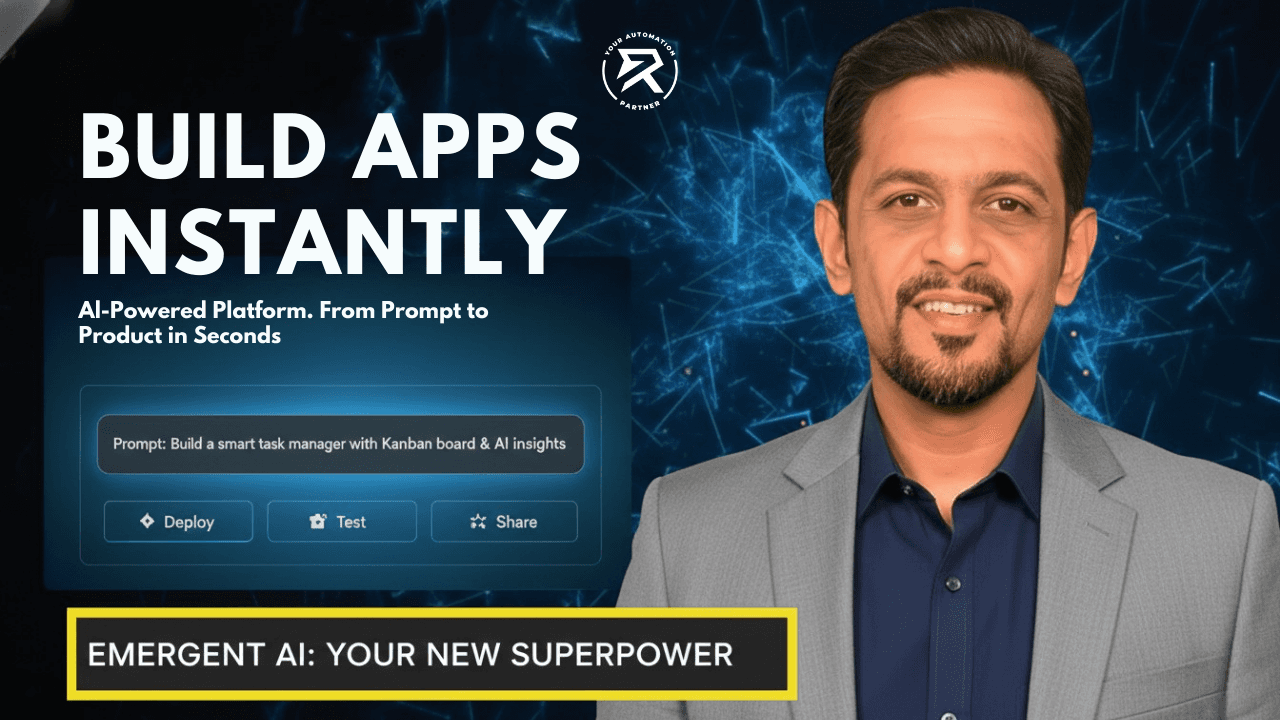
5 Secrets to Building Your Own App Using Emergent AI:
Talk Your App into Existence: Discover how to build real software just by describing your idea in plain English.
Hire a Robot "Worker": See how Gemini and AI tools do the hard chores like writing files and connecting databases for you.
Be the Boss Architect: Learn how to give the AI a perfect to-do list so it builds exactly what you imagined.
The App That Fixes Itself: Watch the "magic" of Self-Healing AI that finds and repairs its own mistakes while you relax.
Build Faster Than a Coffee Break: Find out how to make an app as cool as Notion or Google in under ten minutes.
Stop waiting for a "technical partner" or spending years in coding bootcamps while your business ideas gather dust. The wall between having an idea and owning a piece of software has officially been torn down. If you have a brain and a keyboard, you are now a developer. We are using Emergent to build a high-end task manager because most people waste their lives in disorganised chaos. You’re going to build the solution to that chaos right now. No excuses. No delays. Let’s get to work.
Table of Contents:
The No-Code Tools You Need
Prompt Engineering: Writing The Blueprint
Step-By-Step: Building Your Task Manager
Video Tutorial: Emergent AI Walkthrough
How The AI Fixes Its Own Bugs
Refining Your App For Professional Use
Comparison: Your App vs. Big Software
Common Questions & Expert Answers (FAQ)
1. The No-Code Tools You Need
Most beginners fail because they try to learn too many complicated tools at once. They download five different code editors and get overwhelmed before they even start. We aren't doing that. We are using Emergent, one of the premier AI-powered platforms that functions as an all-in-one app factory. You need to understand that your tech stack is no longer a collection of languages; it is a collection of intelligence. On the paid tier, you have access to models like Claude 4.5 and Gemini 3 Flash. These are your digital employees. By leveraging these AI app builders, you can skip years of manual labour and technical frustration.
The Why: Using an integrated AI builder eliminates "setup friction", ensuring your digital product moves from idea to reality without technical roadblocks.
2. How to Use Prompt Engineering to Write Your App Blueprint
The secret to a great app is giving the AI a perfect "to-do list", called a prompt, so it doesn't have to guess what you want. Think of yourself as a master architect. If you are vague, the AI might get confused and build something that doesn't work. You need to describe exactly how your collaborative work management system should behave. Tell the AI if you need to track inventory management for your school supplies, or how a task moves from "Started" to "Finished".
When you explain the user flows clearly, your app becomes much easier to use. Using visual no-code interfaces means you don't have to be a computer genius, but you still need to be a good teacher. You should plan out every button and screen before the AI starts building. This way, the final digital product is exactly what you imagined. By being specific, you ensure the AI builds a useful tool instead of just a visually appealing picture that does nothing.
Standard | ✅ Best Practice | ❌ Bad Habit |
Logic | Define specific task dependencies (Task B needs Task A). | Being "mysterious" or vague with your app requirements. |
Interface | Specify Google Workspace or Microsoft Excel-style UI. | Letting the AI "surprise" you with a random design. |
Features | List every button (Edit, Delete, Archive). | Assuming the AI knows you want a delete button. |
The Why: Clear prompts act as the blueprint; without a blueprint, the AI builds a house with no doors.
Dig Deeper: What is Emergent AI, and how do you build apps with a prompt?
3. Step-By-Step: Building Your Task Manager
Building a task manager requires a logical flow. Don't just hope for the best; follow this guide to navigate the Emergent interface like a professional developer.
Step 1: The Initial Request
Navigate to the central prompt box. You need to tell the AI exactly what to build.
What to do: Type your master prompt into the box and select the "Full Stack" template to create full-stack web apps.
The Prompt: "Build a Notion-style Task Manager. Include a Kanban board with columns for To-Do, In Progress, and Done. Add a sidebar for categories like Development and Design. Ensure it handles inventory logic for office supplies."
Step 2: Answering Clarification Questions
Once you hit enter, Emergent’s agent will start planning. It will ask you follow-up questions about your company goals.
How to navigate: Watch the chat panel. It might ask, "Should tasks have high/low priority levels?"
What to do: Answer immediately. Say, "Yes, use three priority levels: high, medium, and low. I also need to track project milestones and sprint cycles."
Step 3: Integrating Your Data
Your app needs to talk to the tools you already use to be truly effective.
How to do it: In the prompt, specify that you want to connect to Google Sheets or Microsoft Excel.
What to do: Provide your API keys if the AI asks for them to establish CRM connections or payment gateways. This turns a simple list into a powerful business intelligence dashboard.
Step 4: The Build Phase
The AI will now provision a cloud environment and begin browser-based AI coding.
What to do: Watch the right-hand panel. You will see calendar events and Google Calendar views start to appear.
Navigating: If you need to see the "guts" of the app, check the Process Explorer to see how the data synchronisation workflows are being constructed.
Also Read: How To Automate App Management
4. Video Tutorial: Emergent AI Walkthrough
In this detailed video guide, we walk you through the entire lifecycle of creating a task manager using Emergent’s AI app builders. You will see exactly how to interact with the AI agent, starting from the initial prompt to answering the complex clarification questions that define your tech stack and user flows. The tutorial highlights the platform's unique "self-healing" capability, where a testing agent automatically identifies and fixes bugs—such as Z-index menu conflicts—without the user ever touching the code. By watching this walkthrough, you’ll learn how to refine AI-powered scheduling features and ensure your digital product is production-ready, making it an essential resource for anyone looking to master workflow automation.
You Might Like: What is a voice agent, and how to automate your calendar?
5. How The AI Fixes Its Own Bugs
This is where most people break the workflow. When the AI starts generating code, leave it alone. Do not try to "help" it by editing the files yourself. Emergent uses an automated testing agent that functions as a high-speed support team. It will click every button to ensure things like Smart Compose and Smart Reply are functioning. This automated QA (Quality Assurance) process is what allows non-technical founders to launch apps with confidence. The AI identifies technical conflicts, such as Group Policy errors or CSS overlaps, and resolves them in the background while you monitor the progress.
WARNING: If the agent finds a bug—like a menu that won't click—let it finish the repair. Beginners often refresh the page because they think the app is "stuck." It’s not stuck; it’s fixing the code.
The Why: Automated testing ensures your full-stack web apps work for the end-user without you having to manually test every button yourself.
6. Refining Your App For Professional Use
A "finished" app is never truly done. Look for small mistakes that affect the user experience. In our testing, we noticed the date picker was faulty, allowing past dates to be selected. That’s a failure in AI-powered scheduling that needs fixing. By simply describing the error to the AI, you can trigger a "fix cycle". The AI rewrites the logic, assigns a reference number to the update, and re-verifies the user flows to ensure the calendar optimisation systems are working perfectly. This iterative process is the secret to building high-quality, professional-grade software without a dev team.
The Why: Constant small improvements are what separate a "toy" from a professional tool that can handle serious company goals.
You Might Like: How To Create a Website In One-Click
7. Comparison: Your App vs. Big Software
You need to know how your app stacks up against the "big guys". This isn't just a project; it's a competitor to established AI-powered project management tools. By building your own, you avoid high support contracts and rigid features that don't fit your business.
Feature | Your AI-Built App | Standard Software |
Integrations | Microsoft Graph API & Microsoft OAuth | Limited to paid tiers |
Logic | Excel formulas & VBA macros | Hard-coded/Rigid |
Security | Azure AD & IP Address whitelisting | Manual Setup |
Database | Power Query compatible | Proprietary/Closed |
The Why: Knowing the advantage of your mobile-first business solutions allows you to move faster than your competition.
Building an app is no longer about who can memorise the most code. It is about who can think the most clearly. You have the tools. You have the roadmap. The only thing left to do is to stop reading and start prompting. If you follow this guide, you will have a professional task manager by the time you finish your next cup of coffee. No more excuses. Go build it.
Common Questions & Expert Answers (FAQ)
Can Emergent create mobile apps?
Yes. By using AI app builders, you can generate mobile-first business solutions. While it builds as a web app, it is designed to be responsive, meaning it works perfectly on phones. As per the source, mobile-responsive design is critical for workflow automation success.
What is the best way to get started using AI to make my own apps?
Start with a clear digital product vision. Use visual no-code interfaces like Emergent or Rovo AI to describe your needs. Don't worry about complex server settings yet; just focus on building a tool that solves one specific problem for your business.
How can I create a task manager application using Emergent AI development tools?
Navigate to the platform, enter a prompt describing your project plans, and specify the need for Google Calendar and Google Sheets integration. The AI will handle the schema markup and backend automatically based on your descriptive prompt.
What steps are involved in building a task manager AI app with Emergent?
The process involves: 1. Defining user flows through prompting, 2. Setting up data synchronisation workflows, 3. Connecting Google Cloud Pub/Sub for messaging if needed, 4. Running the automated support team agent to find bugs, and 5. Final deployment.
Can I use advanced Microsoft features?
Absolutely. You can integrate Microsoft Graph API, utilise Microsoft OAuth for secure logins, and even have the AI write VBA macros or Excel formulas for your data exports into Microsoft Excel.